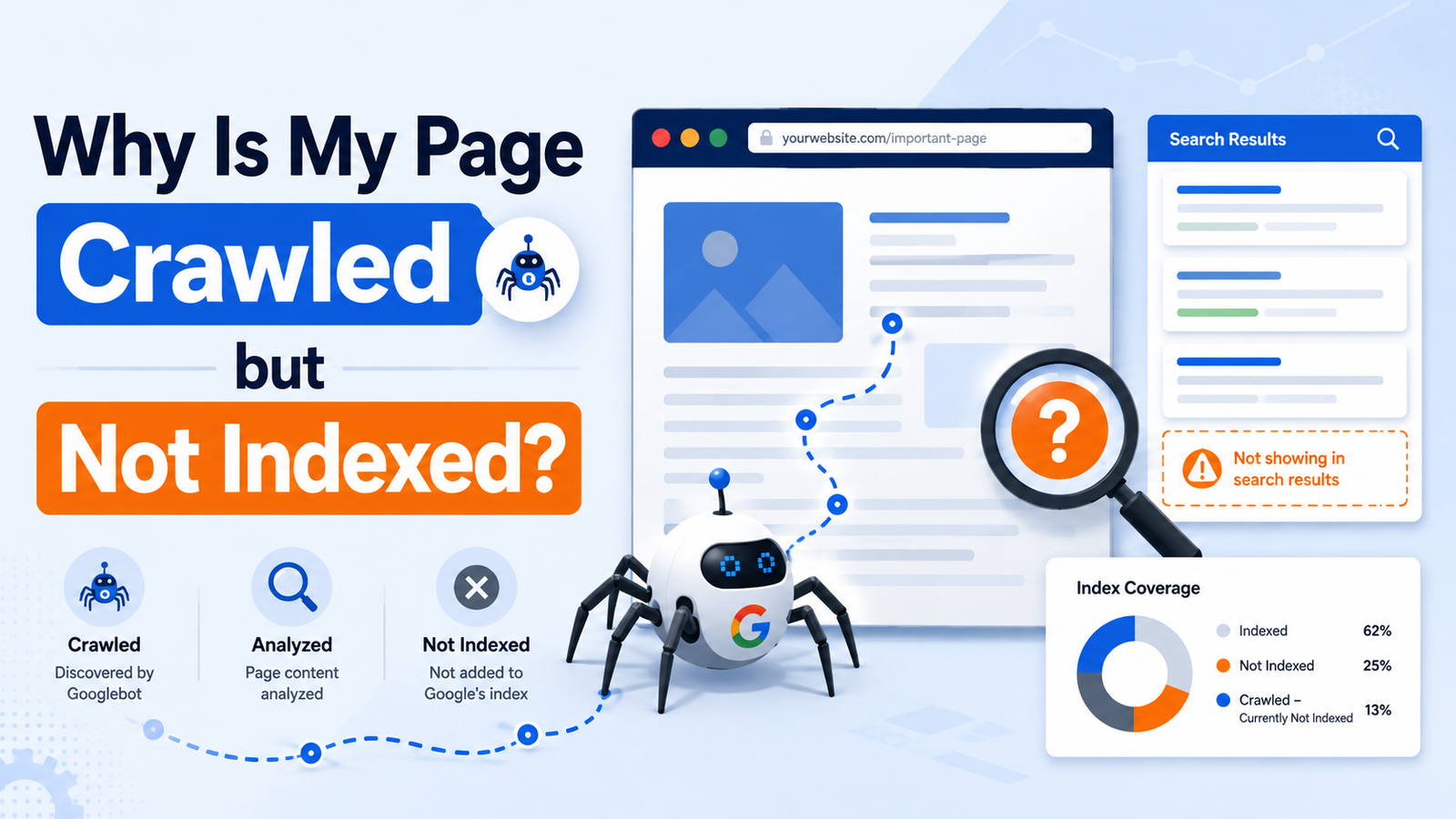
If Google Search Console reports “Crawled – currently not indexed,” it means (1) Google fetched the URL but has not added it to the Google Index; (2) the page may be duplicated, thin, or lacking value; (3) technical SEO problems such as conflicting Canonical Tags or rendering issues may affect eligibility; or (4) the status may resolve after Google reassesses the page. It is not automatically a penalty. Diagnose the URL in the URL Inspection Tool, improve genuine weaknesses, and monitor Page Indexing before requesting another crawl.
Crawling and Indexing: What Is the Difference?
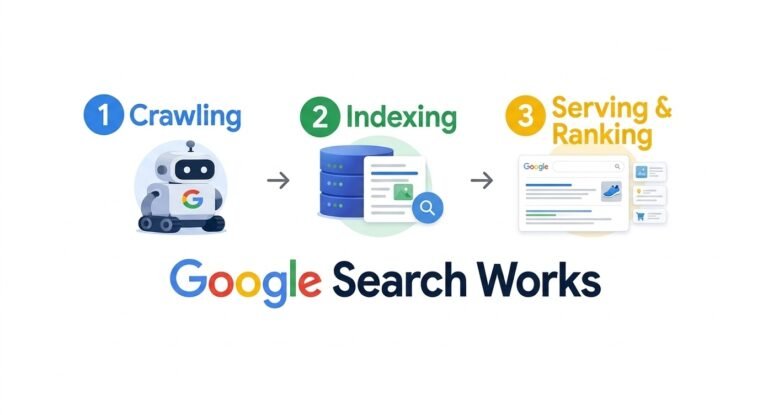
Crawling is the discovery and retrieval stage. Googlebot visits a URL, downloads its content, and attempts to render the page. Indexing happens afterward: Google analyzes the page, evaluates its Content Quality and Page Quality, selects a Canonical URL when necessary, and decides whether to store it in the Search Index. Only indexed pages are eligible to appear in Google Search Results.
See crawling vs. indexing in SEO for a deeper explanation. A successful crawl does not guarantee indexing, and indexing does not guarantee strong Ranking or Search Visibility.
What does “crawled but not indexed” mean?
The Crawled – currently not indexed status is an exclusion status in Google Search Console. Google knows the URL and has crawled it, but the URL is not currently included in the Google Index. Google’s documentation notes that it may be indexed in the future, so the status alone does not identify one specific error or prove that something is broken.
This differs from “Discovered – currently not indexed,” where Google knows about the URL but has not crawled it.
Why can Google crawl a page and still exclude it?
Google may postpone indexing when a page is similar to another URL, provides limited Original Content, has weak Content Value, poor rendering, or inconsistent canonical signals.
John Mueller has explained that non-indexing is sometimes related to quality, but it is not always a quality issue. Strong site-wide quality concerns may lead Google to crawl and index fewer pages. Do not treat the status as proof that every page is low quality.
How to Identify Crawled but Not Indexed Pages
Investigate in Google Search Console rather than relying on a random Google search. An Indexed Page may not rank for the Keywords you checked.
Use the URL Inspection Tool
In Search Console, select your property and enter the URL into the URL Inspection Tool. Check access, indexability, the selected Canonical URL, and Search Index status. A live test confirms changes but cannot force indexing.
Filter the Page Indexing report for Crawled – currently not indexed and export affected URLs. Look for shared templates, folders, content types, or dates. Site-wide patterns often indicate a Website Structure or quality problem; isolated URLs may need improvement or time.
Why Are Pages Not Being Indexed?
Pages not being indexed usually involve content, duplication, technical accessibility, or site-level signals. Google Algorithms evaluate these factors automatically, so no checklist guarantees inclusion. The goal is to remove obstacles and show value.
Content quality, originality, and usefulness
Thin Content may answer a query superficially, repeat other pages, or exist mainly to target a Keyword. Low-Quality Pages often lack Original Content, evidence, first-hand insight, or a clear purpose. AI-Generated Content is not automatically excluded, but Generative AI cannot replace editorial judgment, fact-checking, and originality.
Answer the searcher’s specific problem, add examples and original observations, explain important entities, and remove filler. Review the title, headings, text, images, and User Experience. In a Content Audit, compare the URL with indexed competitors and ask: What unique value does this page provide?
Duplicate content and canonical signals
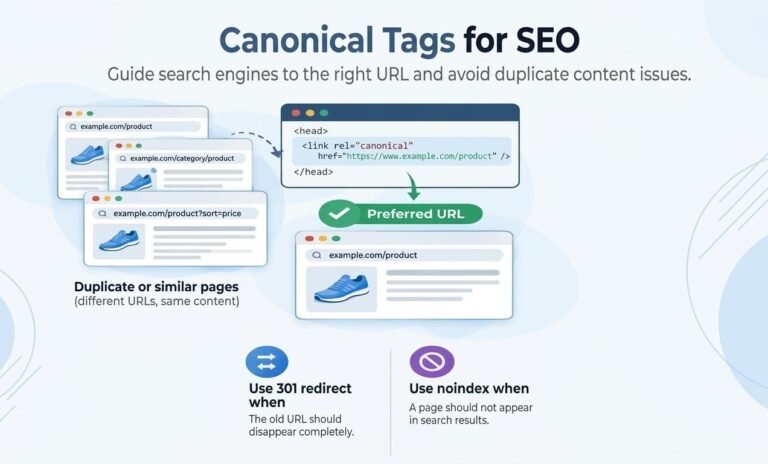
Check for near-duplicates, HTTP versions, parameter URLs, faceted navigation, or syndicated copies. Confirm that the preferred Canonical URL is accessible, indexable, internally linked, and consistent with the XML Sitemap. A Canonical Tag is a hint; Google may choose another canonical when signals disagree.
Keep one clear primary URL for each distinct search intent, and exclude non-canonical or low-value URLs from the XML Sitemap.
How to Fix Crawled Not Indexed Issues
Fix Crawled – currently not indexed issues systematically rather than by repeatedly requesting indexing. Prioritize pages that matter to customers, conversions, or topical authority. Consolidate or remove URLs that offer little value.
Improve page quality and internal linking
Rewrite weak pages to satisfy a defined search intent. Add original detail, answer related questions, improve structure, and make the next action clear. Use Keywords naturally and add Relevant Internal Links from authoritative pages, topic hubs, and related resources.
A logical Website Structure helps people and crawlers understand page relationships. Link important URLs from navigation, categories, and related articles; avoid orphan pages that exist only in a sitemap.
Resolve technical SEO and indexability conflicts
Confirm a valid status code, reliable loading, and no Robots.txt block. Check source and headers for a Noindex Tag, X-Robots-Tag, password protection, or staging settings. Ensure primary content renders correctly, and improve Page Speed and Website Performance where they affect access or User Experience.
For complex sites, ask a freelance technical SEO consultant to review crawl paths, templates, canonicals, pagination, faceted URLs, JavaScript rendering, XML Sitemaps, and server logs. Technical SEO cannot guarantee indexing, but it can remove preventable barriers.
How Do SEO Performance Metrics Change After Fixes?
Indexing is only the first milestone. After a page enters the Search Index, monitor impressions, clicks, average position, Indexed Pages, Excluded Pages, conversions, and Organic Traffic. An indexed page with zero impressions may have a relevance or Ranking problem.
Monitor indexing status and search visibility
After changes, request indexing once through URL Inspection and include the URL in an accurate XML Sitemap. Google may take time to reassess it; repeated requests do not guarantee speed. Use Page Indexing to track status and Performance reports to measure Search Visibility.
Compare page groups, not just one URL. If improved pages gain impressions while similar pages remain excluded, inspect templates, Internal Linking, canonical signals, and Site Authority. Backlinks may support authority, but cannot compensate for thin or inaccessible content.
Final Checklist for “Crawled – Currently Not Indexed”
Before closing the issue, confirm the page has a clear purpose, Original Content, useful depth, accurate Keywords, and a positive User Experience. Verify Googlebot access, Robots.txt, Noindex Tag, Canonical Tag, Relevant Internal Links, and clean Site Structure.
Check that it belongs in the XML Sitemap, differs from Indexed Pages, and meets the Website’s Page Quality standard. Indexing is not guaranteed, so improve value and remove technical conflicts instead of chasing workarounds.
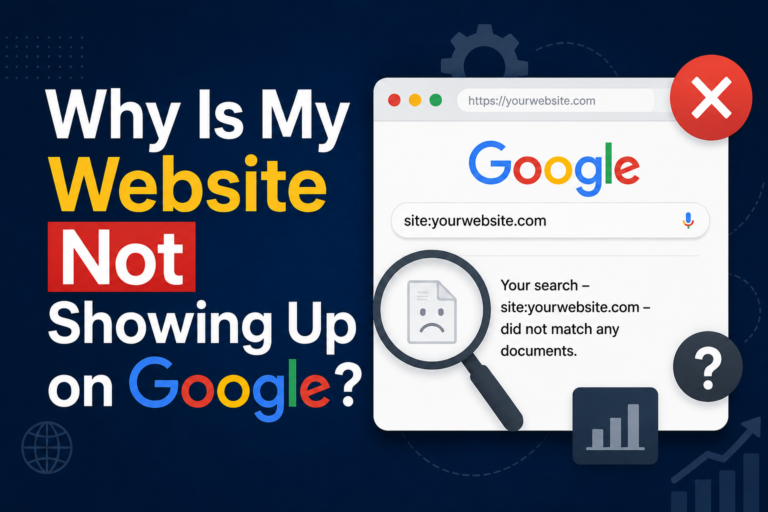
If your broader concern is why your website is not showing up on Google, remember that indexing and Ranking are separate problems. Resolve the crawl and index issue first, then optimize relevance, authority, and content quality to increase Search Visibility and Organic Traffic.