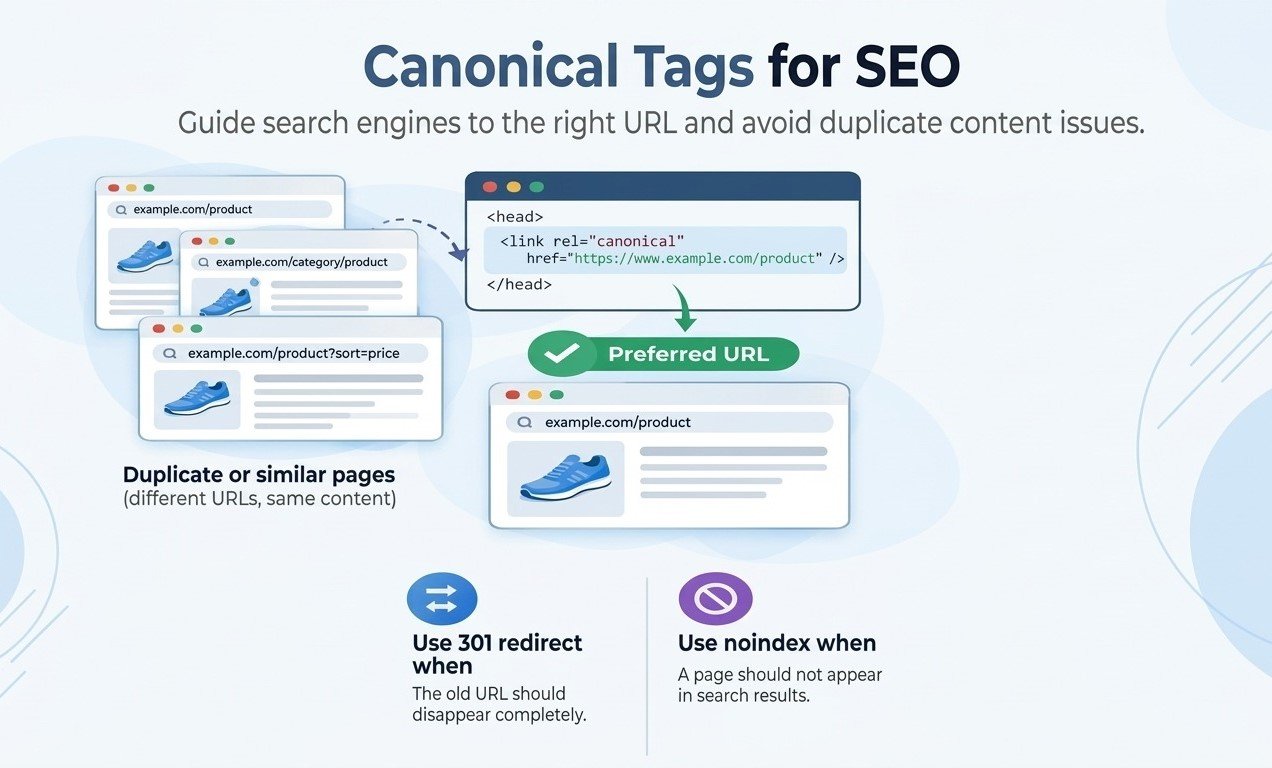
Canonical tags for SEO tell search engines which URL is the preferred version when multiple web pages contain identical or highly similar content. They help because they identify the representative page for indexing; consolidate signals that might otherwise be split across duplicate URLs; reduce crawling and reporting confusion; and clarify which URL you want in search results.
Use rel=”canonical” when duplicate pages must remain accessible, use a 301 redirect when an old URL should disappear, and remember that Google treats a canonical as a hint rather than a guarantee.
What Are Canonical Tags for SEO?
Canonical tag versus canonical URL
A canonical tag, also called a link rel canonical, is an HTML link element placed in a web page’s <head>. Its href identifies the canonical URL, or preferred version, that a search engine should consider for indexing and search display. Canonicalization, also called URL canonicalization, is the wider process of selecting one representative URL from duplicate or near-duplicate pages.
A product page may be accessible through a clean URL, a category path, and parameterized URLs. Google and Bing still need a clear preference.
How rel=canonical works
The basic implementation is:
<linkrel=”canonical”href=”https://www.example.com/product/” />
Put one absolute URL in the HTML <head> of the duplicate page and normally add a self-referencing canonical to the preferred page. The tag does not redirect users or guarantee indexing. Google evaluates it with redirects, internal links, HTTPS, XML sitemap inclusion, PageRank, and page quality, and may select another URL if it appears more representative.
Why Canonicalization Matters for SEO: The Role of Canonical Tags
Duplicate content and indexing
Duplicate content is not automatically a penalty, but multiple URLs can make it harder to decide which version to index and show. Causes include HTTP/HTTPS variants, trailing slashes, mobile or print URLs, faceted navigation, and parameters.
A clear canonical preference helps Google cluster those pages around one representative URL. It also makes SEO reporting more reliable because impressions, clicks, and links are less likely to be scattered across similar versions.
PageRank and consolidated signals
When duplicate pages attract links, canonicalization can help associate those signals with the preferred URL. SEO practitioners therefore discuss canonicals alongside PageRank, authority, and ranking potential. A canonical is not a ranking boost; Google describes redirects as stronger than rel=canonical.
When Should You Use Canonical Tags for SEO?
Parameter handling and content syndication
Use a canonical when a page must remain accessible but is substantially the same as another page. Suitable examples include campaign parameters, sorting and filtering URLs, product pages reached through multiple categories, and printer-friendly versions. Review parameter handling carefully: a filtered page with genuinely unique content may deserve its own canonical.
For content syndication, a canonical can identify your original URL as the representative source. It signals URL preference but does not make copied content valuable.
Hreflang and regional pages
Do not collapse legitimate language or regional pages. Give each page a self-referencing canonical and use reciprocal hreflang annotations for alternatives. Canonicalization selects a representative URL; hreflang helps Google serve the appropriate locale.
Canonical Tags Versus Other SEO Controls
301 redirects, noindex, and robots.txt
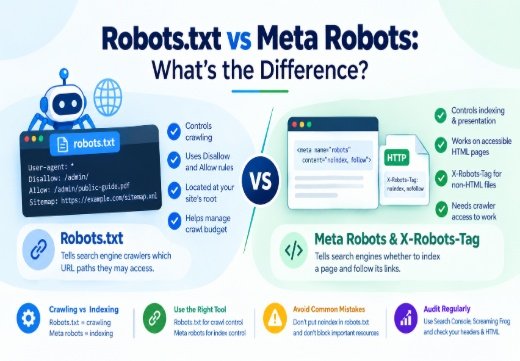
Use a 301 redirect when the old URL is permanently replaced. Use a canonical when both URLs must remain accessible. Use noindex for a page that should not appear in Google Search, not to choose a canonical inside a duplicate cluster.
Do not use robots.txt for canonicalization: a crawl block can hide the signal, and a blocked URL may still be indexed without its content. Use the appropriate redirect, canonical, or noindex method.
XML sitemaps and internal links
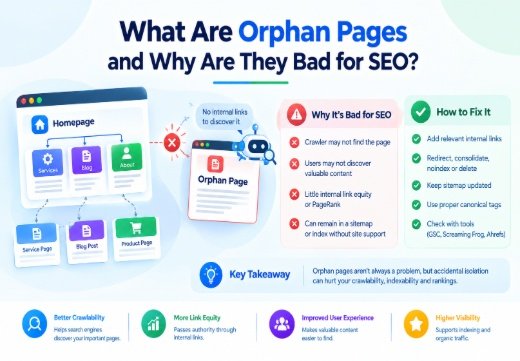
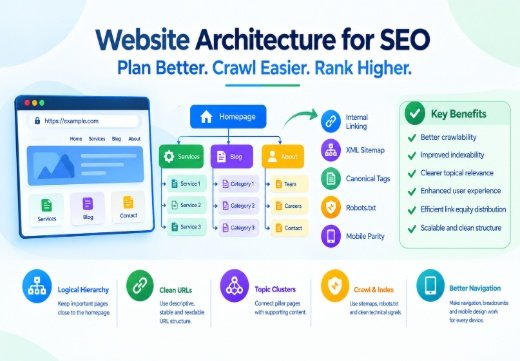
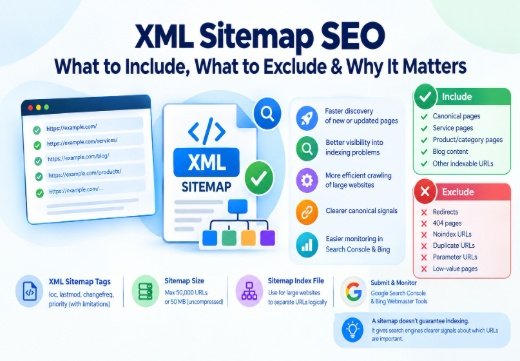
An XML sitemap is a useful but weaker signal. Include preferred, indexable URLs and make internal links point to them. A canonical target should return a successful response, be crawlable and indexable, and not redirect, return a 404, carry noindex, or canonicalize elsewhere. Screaming Frog SEO Spider can identify conflicts.
Canonical Tags for SEO Best Practices
Implementation checklist
Choose the URL that best represents the page and use an absolute HTTPS URL. Add one canonical link in the <head>, keep it consistent with the sitemap and internal links, and use raw HTML when possible so JavaScript does not overwrite it.
Common mistakes to avoid
Avoid conflicting or multiple canonicals, relative URLs, HTTP targets on HTTPS, erroring targets, and accidental cross-domain canonicals. Do not canonicalize every article to a category page or unique pagination to page one. A tag cannot repair thin content, poor intent alignment, or an inaccessible page.
Moz, Ahrefs, Search Engine Journal, and Search Engine Land offer practical guidance. Yoast SEO and Rank Math can generate WordPress canonicals, while SEMrush, Moz Pro, and Ahrefs can surface conflicts.
How to Audit Canonicalization
Google Search Console checks
Open the URL Inspection Tool in Google Search Console and compare the user-declared canonical with the Google-selected canonical. If they differ, check duplicates, redirects, HTTPS, internal links, sitemap entries, quality, and crawlability. A live test cannot guarantee indexing or predict the final choice.
Crawl and CMS verification
For larger sites, crawl with Screaming Frog SEO Spider. Look for missing or multiple canonicals, non-indexable targets, error pages, and links to non-preferred URLs. Review CMS templates after migrations and plugin changes because one faulty template can create thousands of errors.
If the issue involves architecture, rendering, crawling, or indexation, a Technical SEO Consultant can diagnose it. For context, read how Google discovers and indexes website pages and use an SEO content brief during planning.

Areesh Ishtiaq
Freelance SEO Professional helping businesses improve visibility across Google Search, Google Maps and AI-powered search.
Explore Areesh IshtiaqFrequently Asked Questions
They are a consolidation signal, not a guaranteed boost. Relevance, quality, accessibility, competition, and other systems still affect rankings.
It is useful for indexable pages when the URL is correct, but it does not replace fixing duplicate URL generation.
Use a 301 when the old URL should permanently send users and crawlers elsewhere; use a canonical when both versions must remain accessible.
No. Robots.txt controls crawling access, not canonical selection. Use rel=canonical, redirects, sitemap signals, and consistent internal links
Inspect the URL in Google Search Console and compare the declared and selected canonicals. If they differ, investigate the duplicate cluster and its signals.